

1. Kali Linux
What is Kali Linux?
Kali Linux (formerly known as BackTrack Linux) is an open-source, Debian-based Linux distribution aimed at advanced Penetration Testing and Security Auditing. Kali Linux contains several hundred tools targeted towards various information security tasks, such as Penetration Testing, Security Research, Computer Forensics and Reverse Engineering. Kali Linux is a multi platform solution, accessible and freely available to information security professionals and hobbyists.
Kali Linux was released on the 13th March 2013 as a complete, top-to-bottom rebuild of BackTrack Linux, adhering completely to Debian development standards.
Kali Linux Features
- More than 600 penetration testing tools included: After reviewing every tool that was included in BackTrack, we eliminated a great number of tools that either simply did not work or which duplicated other tools that provided the same or similar functionality. Details on what’s included are on the Kali Tools site.
- Free (as in beer) and always will be: Kali Linux, like BackTrack, is completely free of charge and always will be. You will never, ever have to pay for Kali Linux.
- Open source Git tree: We are committed to the open source development model and our development tree is available for all to see. All of the source code which goes into Kali Linux is available for anyone who wants to tweak or rebuild packages to suit their specific needs.
- FHS compliant: Kali adheres to the Filesystem Hierarchy Standard, allowing Linux users to easily locate binaries, support files, libraries, etc.
- Wide-ranging wireless device support: A regular sticking point with Linux distributions has been support for wireless interfaces. We have built Kali Linux to support as many wireless devices as we possibly can, allowing it to run properly on a wide variety of hardware and making it compatible with numerous USB and other wireless devices.
- Custom kernel, patched for injection: As penetration testers, the development team often needs to do wireless assessments, so our kernel has the latest injection patches included.
- Developed in a secure environment: The Kali Linux team is made up of a small group of individuals who are the only ones trusted to commit packages and interact with the repositories, all of which is done using multiple secure protocols.
- GPG signed packages and repositories: Every package in Kali Linux is signed by each individual developer who built and committed it, and the repositories subsequently sign the packages as well.
- Multi-language support: Although penetration tools tend to be written in English, we have ensured that Kali includes true multilingual support, allowing more users to operate in their native language and locate the tools they need for the job.
- Completely customizable: We thoroughly understand that not everyone will agree with our design decisions, so we have made it as easy as possible for our more adventurous users to customize Kali Linux to their liking, all the way down to the kernel.
- ARMEL and ARMHF support: Since ARM-based single-board systems like the Raspberry Pi and BeagleBone Black, among others, are becoming more and more prevalent and inexpensive, we knew that Kali’s ARM support would need to be as robust as we could manage, with fully working installations for both ARMEL and ARMHF systems. Kali Linux is available on a wide range of ARM devices and has ARM repositories integrated with the mainline distribution so tools for ARM are updated in conjunction with the rest of the distribution.
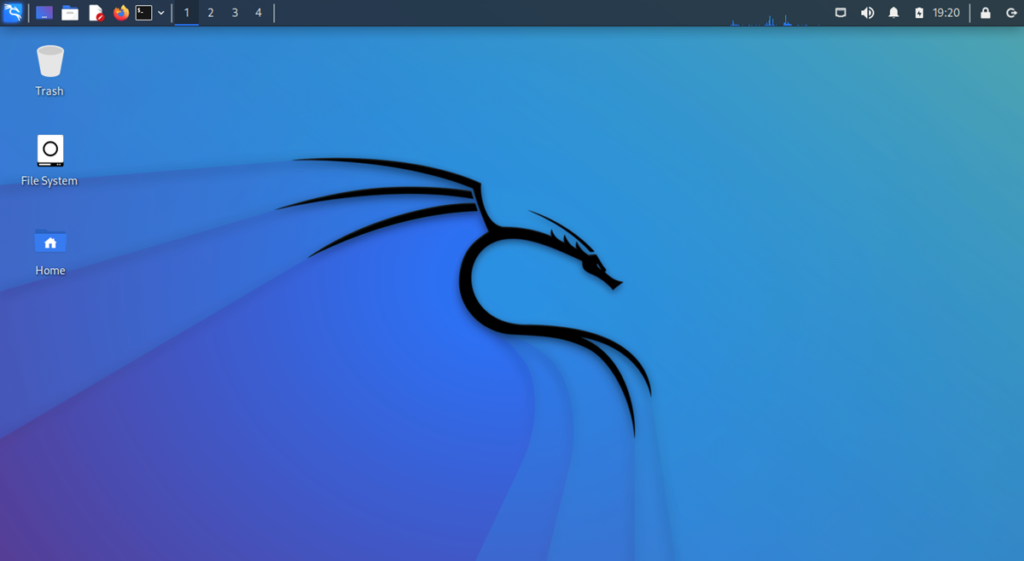
Kali linux website www.kali.org
For download and install kali linux https://www.kali.org/get-kali/#kali-platforms
2- Csi linux
what is CSi linux?
CSI Linux is a focused Linux distribution for digital forensics. We developed an open-source ‘theme park’ for the cyber security industry. It has tons of capabilities for investigations, analysis and response! CSI Linux is available in both a Virtual Machine Appliance and Bootable distro to use as a daily driver
Features
CSI Tools (Online Investigation Tools)
Centralized Evidence Capture
Cryptocurrency Wallet Lookup
CSI SIEM (Elasticstack, Zeek, Malcolm, PFRing, and more…)
CSI TorVPN
Custom GUIs for many of the tools to add to the Case Management
Domain and Website Analysis
Forensic Disk Image Mouter
Geolocation for SSID/BSSID/IP
Hash capture of evidence files
Timestamped archive of evidence
Twitter feed pull
Username (Social Media & Adult) Search

Csi linux website https://csilinux.com/
For download and instillation https://csilinux.com/download
3. BlackArch
what is blackarch?
As its name suggests, BlackArch is based on Arch Linux. The main feature of the distro is its huge collection of tools, numbering over 2500, many of which you wouldn’t find in any of the other distros.
The distro sorts the tools by classifying them under categories, such as anti-forensic, backdoor and cracker. These are however arranged alphabetically and offer no further sub-categories, which poses interesting navigation issues. For instance, some categories, such as cracker, recon and automation list over a hundred tools each, which makes scrolling through the menus rather cumbersome.
BlackArch’s best customization is its smart repository arrangement. On the flip side, the distro relies on a bunch of light-weight but esoteric window managers to draw the desktop. By default, the distro uses fluxbox but also offers i3, openbox, fluxbox, and others. This further restricts the audience for the distro. All things considered, BlackArch is meant for users who are adept at pentesting and care more about having the tools at their disposal and don’t care much about the interface.

Blackarch website https://blackarch.org/index.html
For download and instillation https://blackarch.org/downloads.html
4. Parrot OS
what is parrot OS?
While Parrot OS is designed for penetration testing and vulnerability assessment, the distro has a bigger mandate than most of its peers, such as Kali Linux.
One of the first things you note about the distro is its extensive boot menu. For instance, when used from a USB disk, you can choose to boot into the Live environment along with a persistent partition to save your changes. There’s also a very useful option to encrypt this persistent partition.
Its large selection of tools are filed inside a neat menu structure that categorizes the tools as per their use. All the pen-testing tools are listed within the Parrot menu, which has sub-menus named Information Gathering, Vulnerability Analysis, Exploitation Tools, Password Attacks, Digital Forensics and several more. Most of these menus have more topical sub-menus. For instance, the Wireless Testing menu has sub-menus for 802.11 wireless tools, Bluetooth tools, RFID and NFC tools and more. The Digital Forensics section of the distribution is the result of the project’s collaboration with the lead developer of CAINE (Computer Forensics Linux Live Distro). In addition to targeting pentesters, Parrot OS also aspires to be useful for average computer users that need a secure and privacy-focused distro like hacktivists, and journalists. The distro also has a Home edition designed for day-to-day use for anyone who cares about privacy and online anonymity
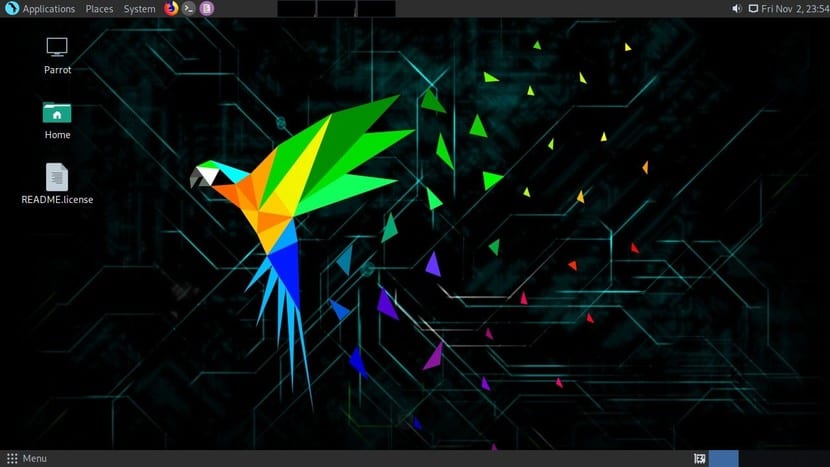
Parrot os website https://parrotsec.org/
For download and instillation https://parrotsec.org/download/
5-Caine
what is caine?
Computer Aided Investigative Environment, more commonly known as CAINE, is a renowned and popular Linux distro that offers a user-friendly graphical menu and interface. CAINE Linux derives its roots from Ubuntu and is a big player in the world of system forensics.
CAINE’s graphical interface offers a complete forensic environment, which you can integrate with the existing software tools. If you are looking for a meaningful well-structured report to help you with a better investigation and foster communication with your team, CAINE should be your first choice.
Some common forensic tools within this OS include Autopsy, The Sleuth Kit, Wireshark, PhotoRec, fsstat, RegRipper, and tinfoleak.

Caine website https://www.caine-live.net/
For download and instillation https://www.caine-live.net/page5/page5.html
6- Tails os
what is Tails os?
Tails is an operating system that’s based on Debian Linux. You don’t install it on your hard drive. Tails runs completely off of a USB thumb drive. Your work is temporarily stored in the RAM (memory) of your computer. As soon as you shut your computer down, your RAM is empty, nothing is stored, and everything is forgotten. No traces are left on your computer. If you’re using Tails to make a document, you’d better upload it to the internet because that’s the only way it can be stored
is a portable operating systemthat protects against surveillance and censorship.
AVOID SURVEILLANCE, CENSORSHIP, ADVERTISING, AND VIRUSES
Tails uses the Tor network to protect your privacy online and help you avoid censorship. Enjoy the Internet like it should be.
YOUR SECURE COMPUTER ANYWHERE
Shut down the computer and start on your Tails USB stick instead of starting on Windows, macOS, or Linux. Tails leaves no trace on the computer when shut down.
DIGITAL SECURITY TOOLBOX
Tails includes a selection of applications to work on sensitive documents and communicate securely. Everything in Tails is ready-to-use and has safe defaults.
FREE SOFTWARE
You can download Tails for free and independent security researchers can verify our work. Tails is based on Debian GNU/Linux.
Tails os website https://tails.boum.org/index.en.html
For download and instillation https://tails.boum.org/install/index.en.html

Leave a Reply